The Best Way to Replicate a Database into Databricks (2026)
How to replicate Postgres, MySQL, or SQL Server into Databricks in 2026. Managed vs open-source options, a step-by-step with the ingestr CLI, loading into Delta tables and Unity Catalog, incremental loading, and Databricks-specific gotchas.
Kateryna Kozachenko
Marketing & Growth
TL;DR: The best way to replicate a database into Databricks depends on your constraints. For open-source and code-first with no server, use the ingestr CLI, which moves Postgres, MySQL, SQL Server, and more into Databricks Delta tables with one command. For a fully managed catalog of sources, Fivetran and Databricks' own LakeFlow Connect are the managed routes. Most analytics teams want a scheduled incremental load into Delta, not streaming, and ingestr covers that cleanly while keeping the data in Unity Catalog.
Replicating a database into Databricks means landing your source tables as Delta tables in the lakehouse (ideally governed by Unity Catalog) so notebooks, SQL warehouses, and ML jobs read from Databricks instead of production. What matters: writing efficient Delta tables, syncing only what changed, keeping things under Unity Catalog governance, and not paying for a running cluster you do not need. Here is the practical path.
If you want to stay entirely inside Databricks and pay for managed convenience, LakeFlow Connect or Fivetran are the routes. If you want open-source, code-first, and no server, ingestr is the shortest path.
merge upserts into the Delta table on the primary key, so re-runs are idempotent. Put the command on a scheduler and you have continuous replication into the lakehouse without running a server.
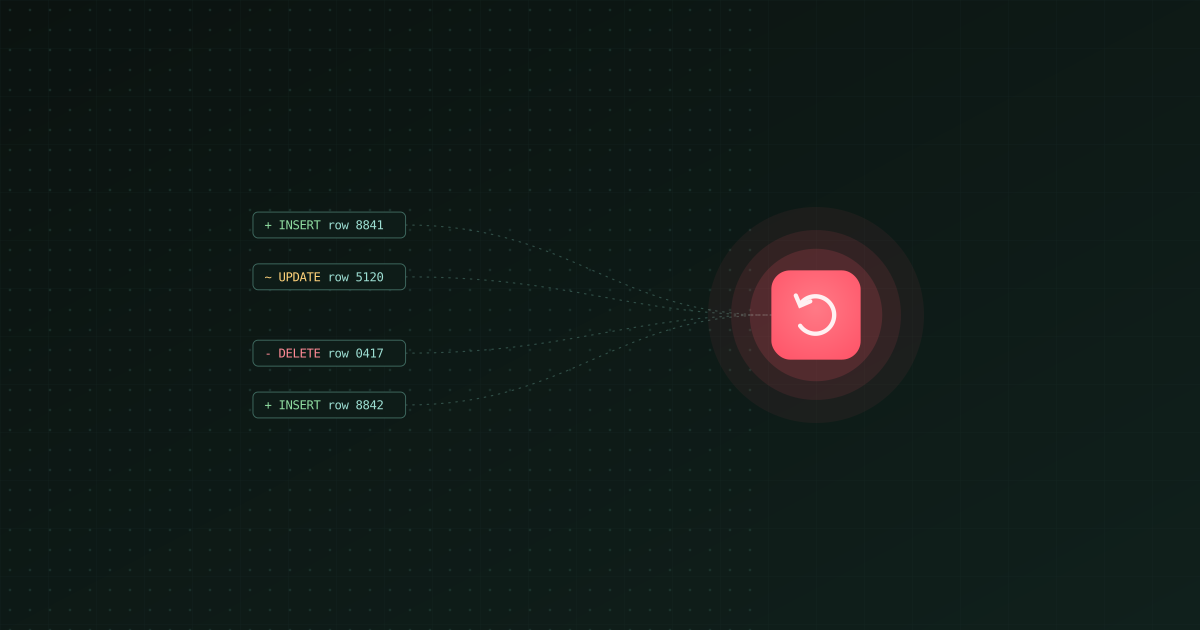
Incremental (query-based) is simplest and fits most analytics. It syncs at your interval on an updated_at or incrementing id, and does not capture hard deletes unless you soft-delete.
Log-based CDC (Fivetran, Debezium, or Databricks-native tooling) gives real-time freshness and exact delete capture. Delta's MERGE and change data feed make it a natural CDC sink, but only reach for streaming if you truly need it. See our CDC tools guide.
Write Delta, register in Unity Catalog. Land tables under a catalog and schema so they are governed, discoverable, and access-controlled from day one, rather than as loose files in a bucket.
Do not keep a cluster running for ingestion. Use a SQL warehouse or a job cluster that auto-terminates. A general-purpose cluster idling between syncs is a common surprise on the bill.
Land in a raw schema. Keep replicated tables separate from your modeled/gold tables so a reload never clobbers curated data.
Optimize hot tables. For large, frequently-queried Delta tables, run OPTIMIZE (and consider liquid clustering) so reads stay fast after many incremental merges.
Mind cross-cloud egress. If the source database and the Databricks workspace are in different clouds/regions, egress and latency can dominate. Co-locate where possible.
Raw Delta tables are step one; you still need to transform them into curated tables, check quality, and schedule the flow. ingestr is the ingestion layer of Bruin, an open-source platform that runs SQL/Python transformations, data quality checks, and scheduling alongside ingestion, so replication and the rest of the pipeline live in one project.